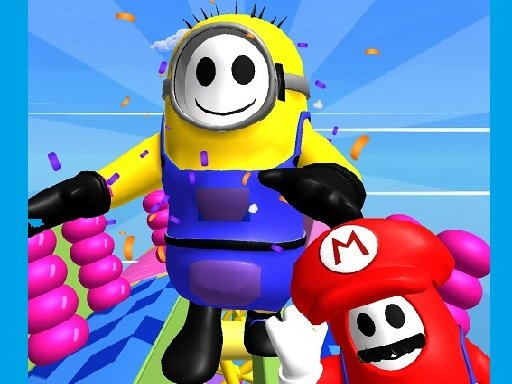






Hey there! Are you ready to join the fun in the Fall Boys, a super cool 3D browser game? You’ll play as a little character and compete with other players online, racing to level 10 and beyond!
To get started, just click the “Play Now” button and create your account by entering a nickname. You can choose from a range of adorable avatars to represent you in the game. Once you’re all set, hit the “Play” button to create a room and start playing with friends or other players online.
In the game, you can select friends from your friend list to join your session, or just wait for other players to join your room. The level will be chosen randomly, and you’ll get to read a brief description before the race begins. Use the WASD buttons or arrow keys to move your character, and the Space bar to jump. The camera view will follow your mouse, so you can get a great view of the action.
While you’re playing or waiting for others to join, you can chat with other players by pressing the Enter key. Type in a message and hit Enter again to send it to the public chat. You can also send friend requests to players you’re matching with by clicking the button next to their nickname.
If you need to exit the game, just press the Escape button on your keyboard, and a cursor will appear. Click the “Leave” button to disconnect and return to the main menu.
So, what are you waiting for? Click “Play Now” and let the fun begin!